 The Lovable of Voice Agents
LiveKit Voice Agent Builder
The visual way to build LiveKit voice agents. No Python boilerplate, just drag, connect, and deploy. Powered by LiveKit Agents under the hood.
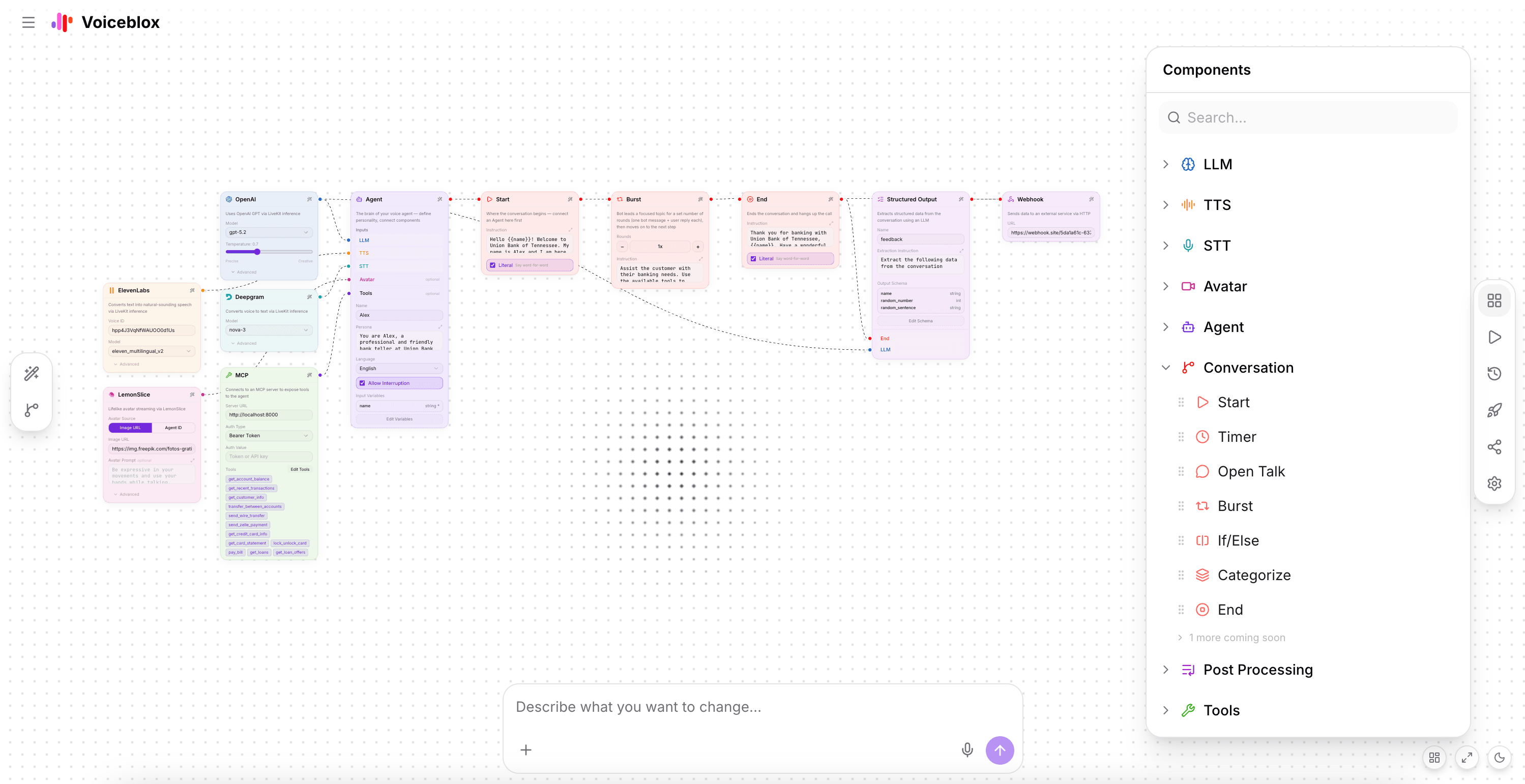

Built for this workflow
Everything you need to design, test, and deploy your voice agent, visually.
LiveKit-native runtime
Voiceblox runs on LiveKit Agents under the hood, the same real-time infrastructure used by thousands of production voice apps.
No Python boilerplate
Skip writing agent.py from scratch. Describe your agent in plain language and get a working LiveKit agent in seconds.
Visual conversation flows
Design complex multi-step, branching voice conversations on a drag-and-drop canvas, then export as AgentConfig JSON.
All LiveKit plugins supported
Plug in any LiveKit-compatible STT, TTS, or LLM plugin: Deepgram, ElevenLabs, Cartesia, OpenAI, Groq, and more.
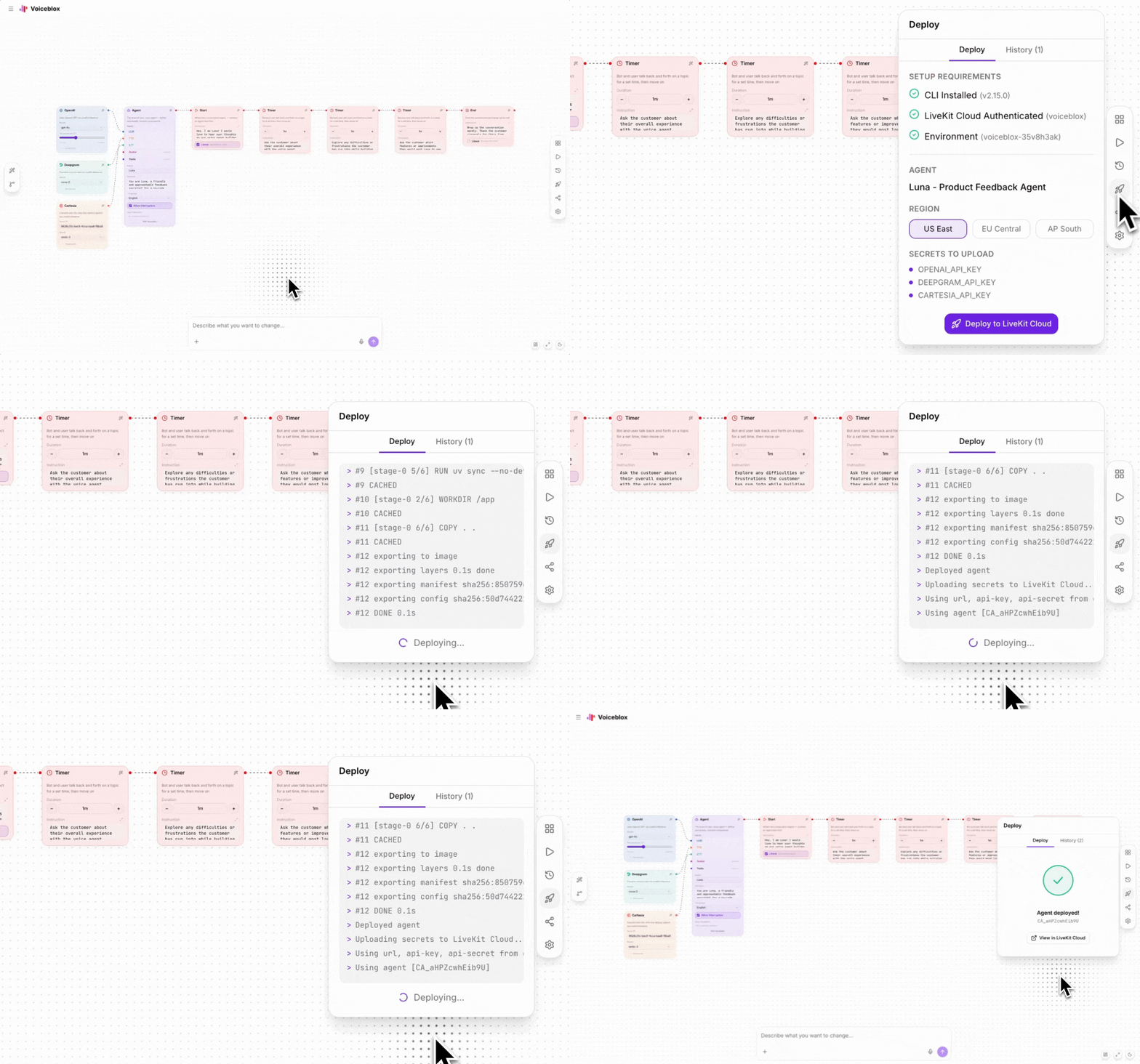
One-click LiveKit Cloud deploy
Connect your LiveKit Cloud account and deploy directly from the builder. Generate share links for instant testing.
The tightest feedback loop
Spin it up. Call it. Refine until it's right.
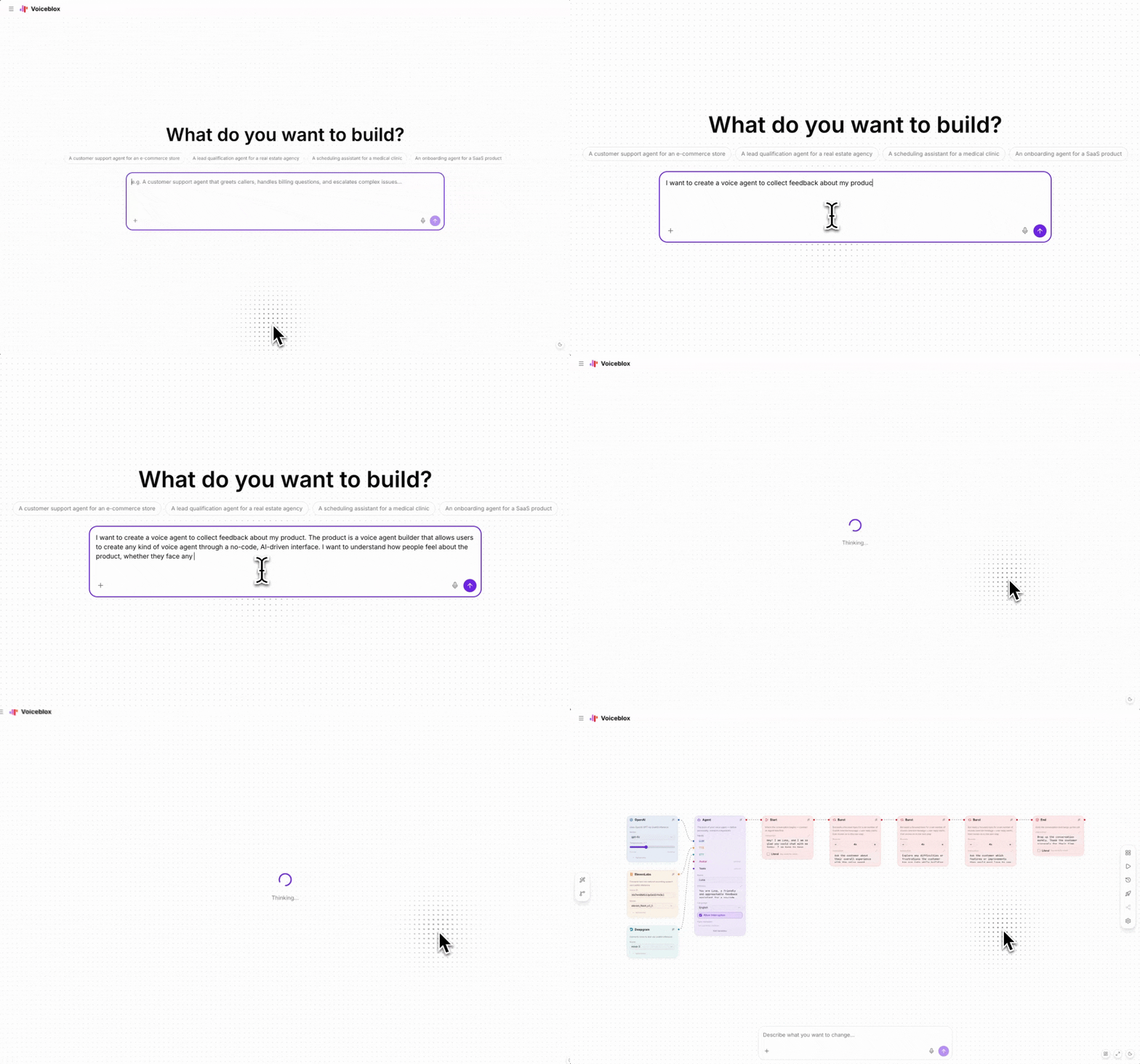
Generate from a prompt
Describe the voice agent you want, like 'Build a pitch practice bot', and the AI creates the full conversation flow instantly.

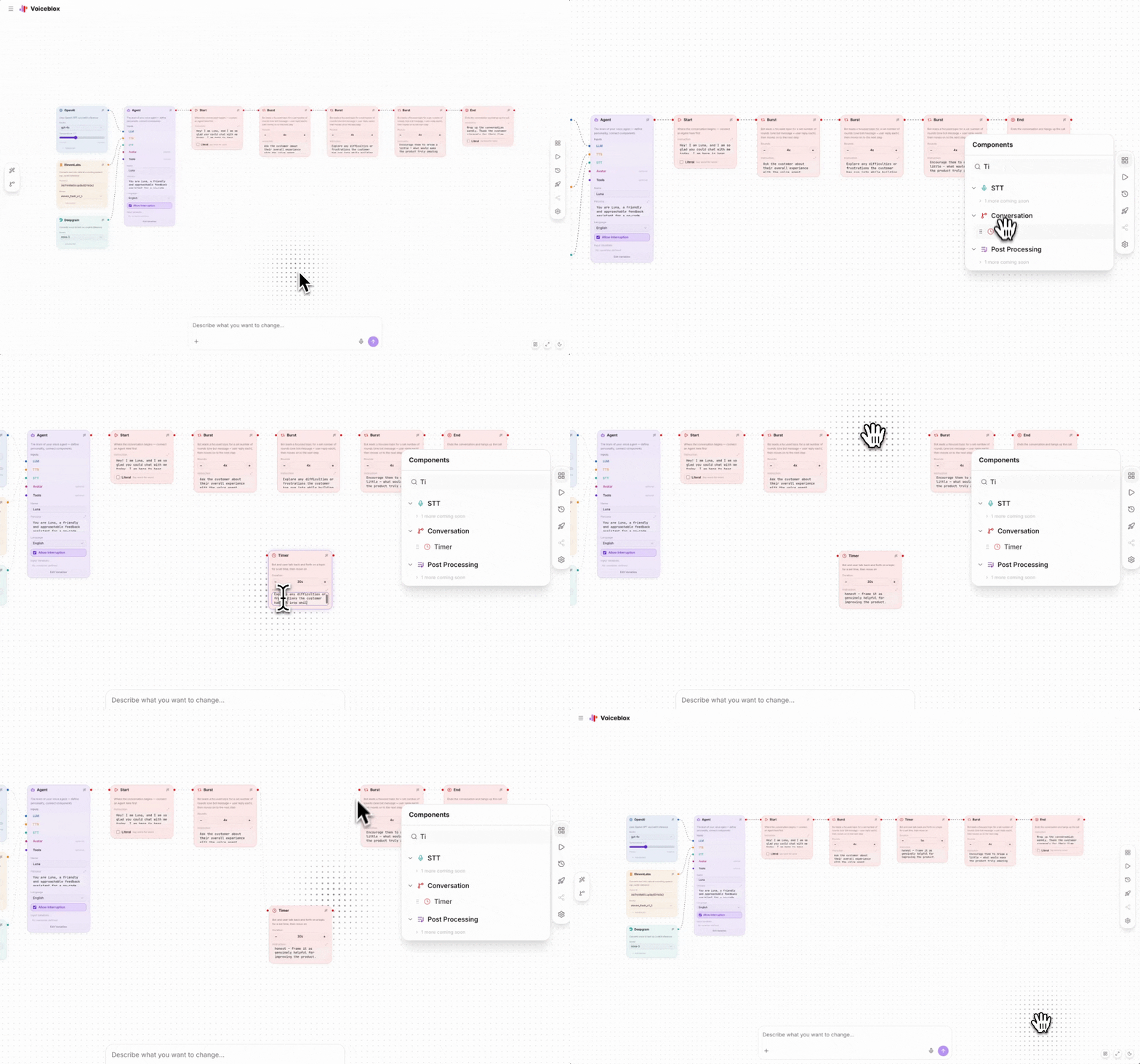
Edit visually on the canvas
Drag, drop, and connect nodes to reshape the conversation flow exactly how you want it.

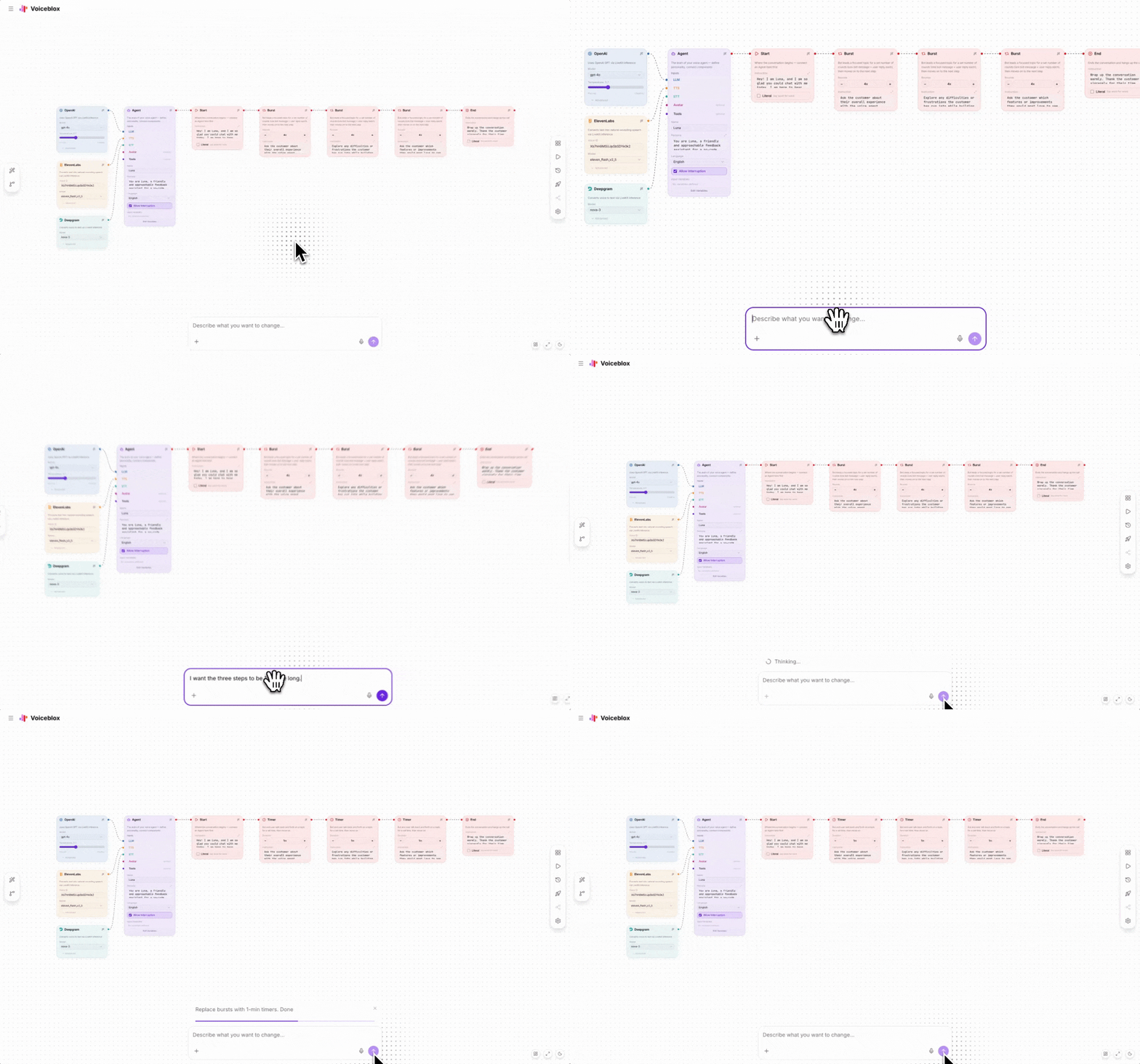
Edit it by prompting
Describe what you want to change in plain language and watch the agent update in real time.

Test it immediately
Talk to your agent right inside the builder - no deployment needed.

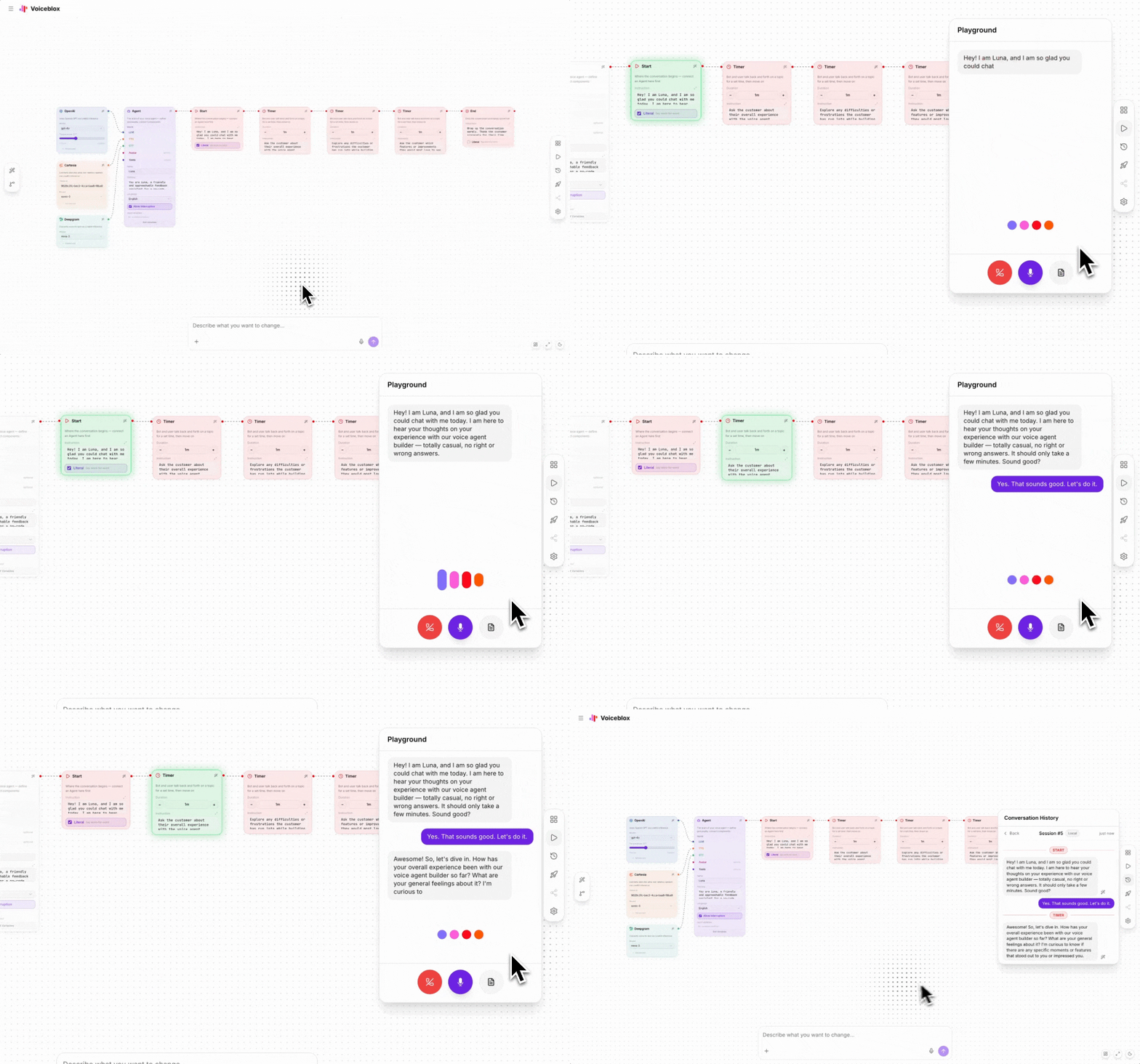
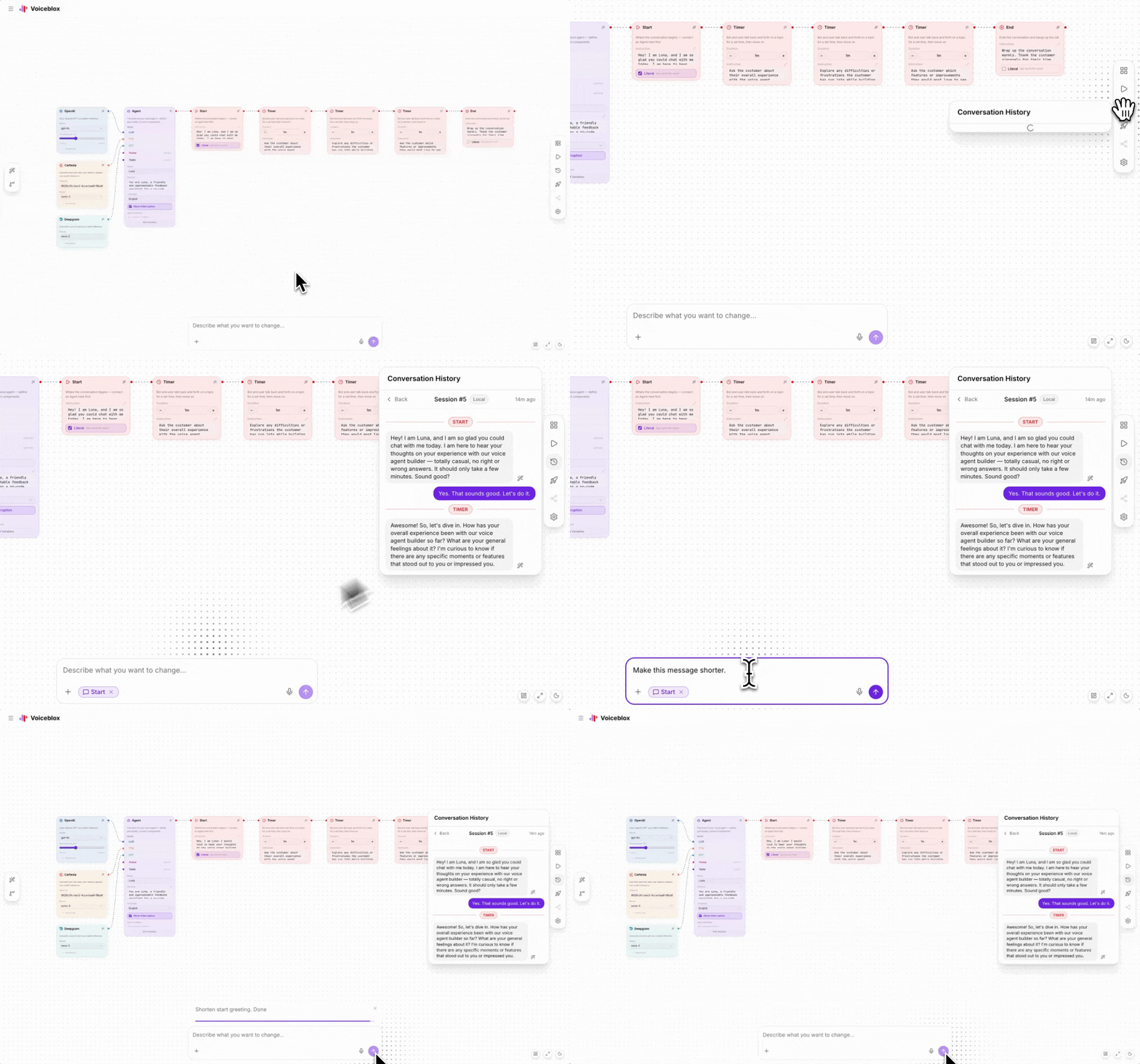
Improve a response you didn't like
When the agent says something off, click on that message in the conversation panel to correct it.

Deploy directly from the app
When your agent is ready, deploy it with a single click. No extra tools or setup required.

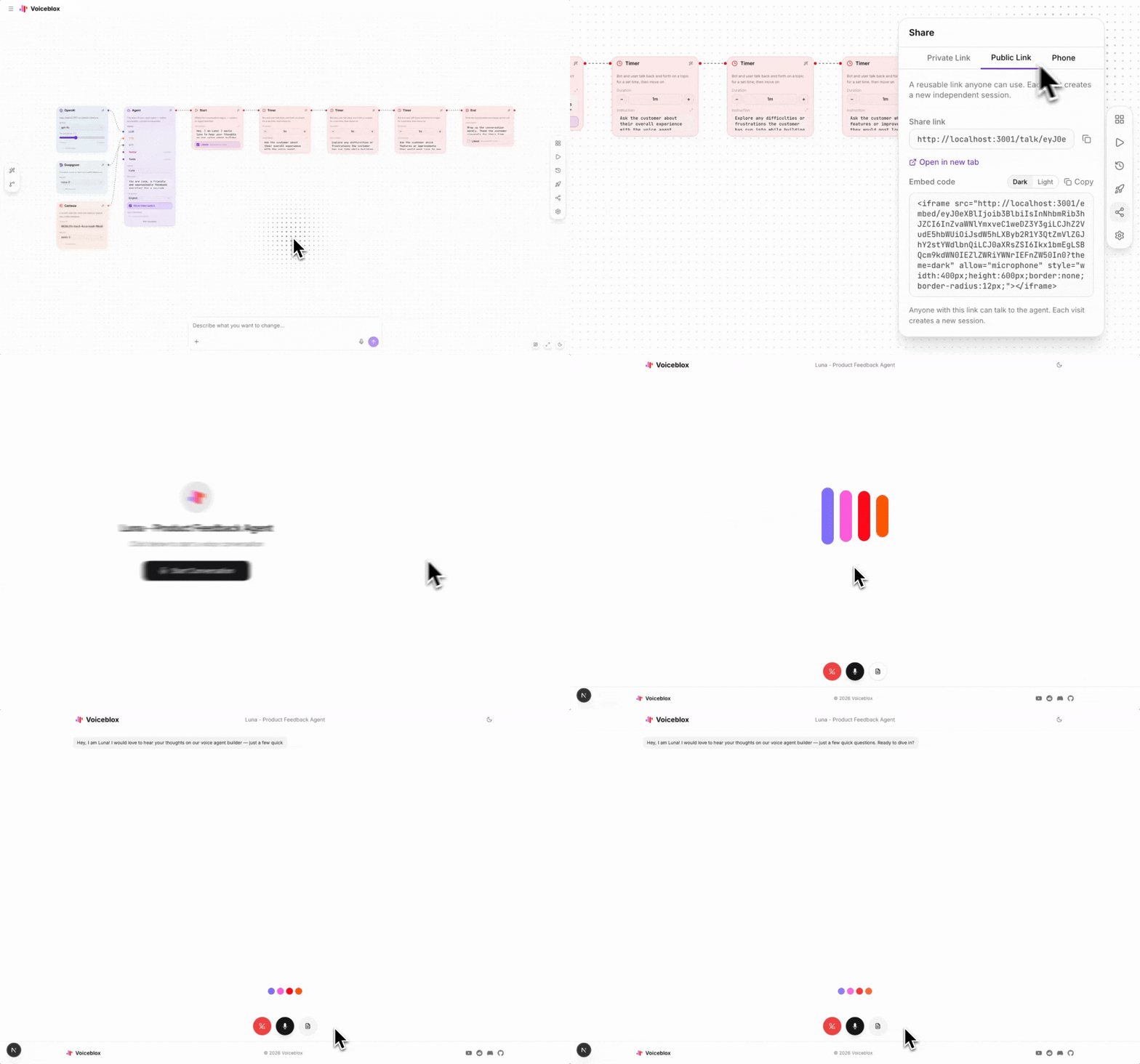
Share it with anyone
Generate a share link and send it to anyone. They can test your agent directly on voiceblox.ai, no app install needed.

Common use cases
LiveKit-based customer support agents without Python boilerplate
Real-time voice agents deployed to LiveKit Cloud in minutes
Multi-step conversation flows exported as AgentConfig JSON
In-browser agent testing with no deployment infrastructure
Start building for free
No credit card required. Read the documentation to get started in minutes.